Shower Water Consumption Nudger
Fleeting- getting familiar with the device
- real life test
- trying with leds and the wemos d1 mini
- soldering the component on a perfboard
- printing the support for the enclosure
- testing it for real
- some stuffs I learned
- adding a cap to ease turning it off and on again
- small upgrade, using another cap
- reducing battery consumption
- toy as magnetic switch
- Notes linking here
- Permalink
in micropython, with the trinket M0 and a yf-s201
Inspired by https://www.hydrao.com/fr/boutique/54-pommeau-de-douche-aloe and https://www.instructables.com/Save-Water-With-the-Shower-Water-Monitor/ .
getting familiar with the device
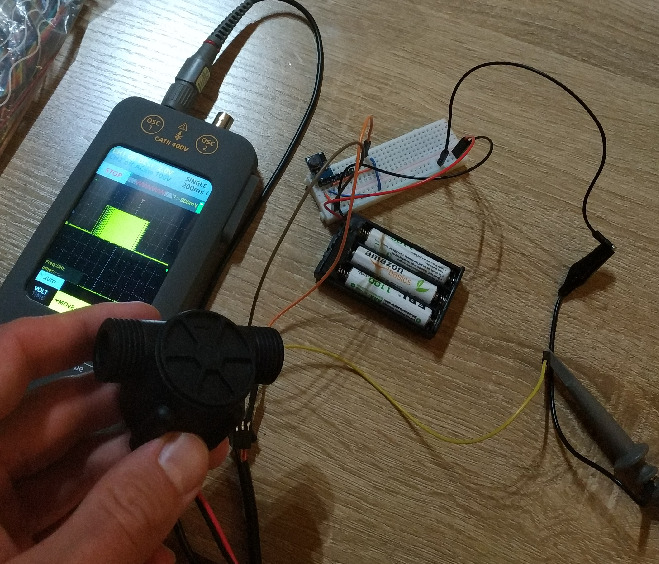
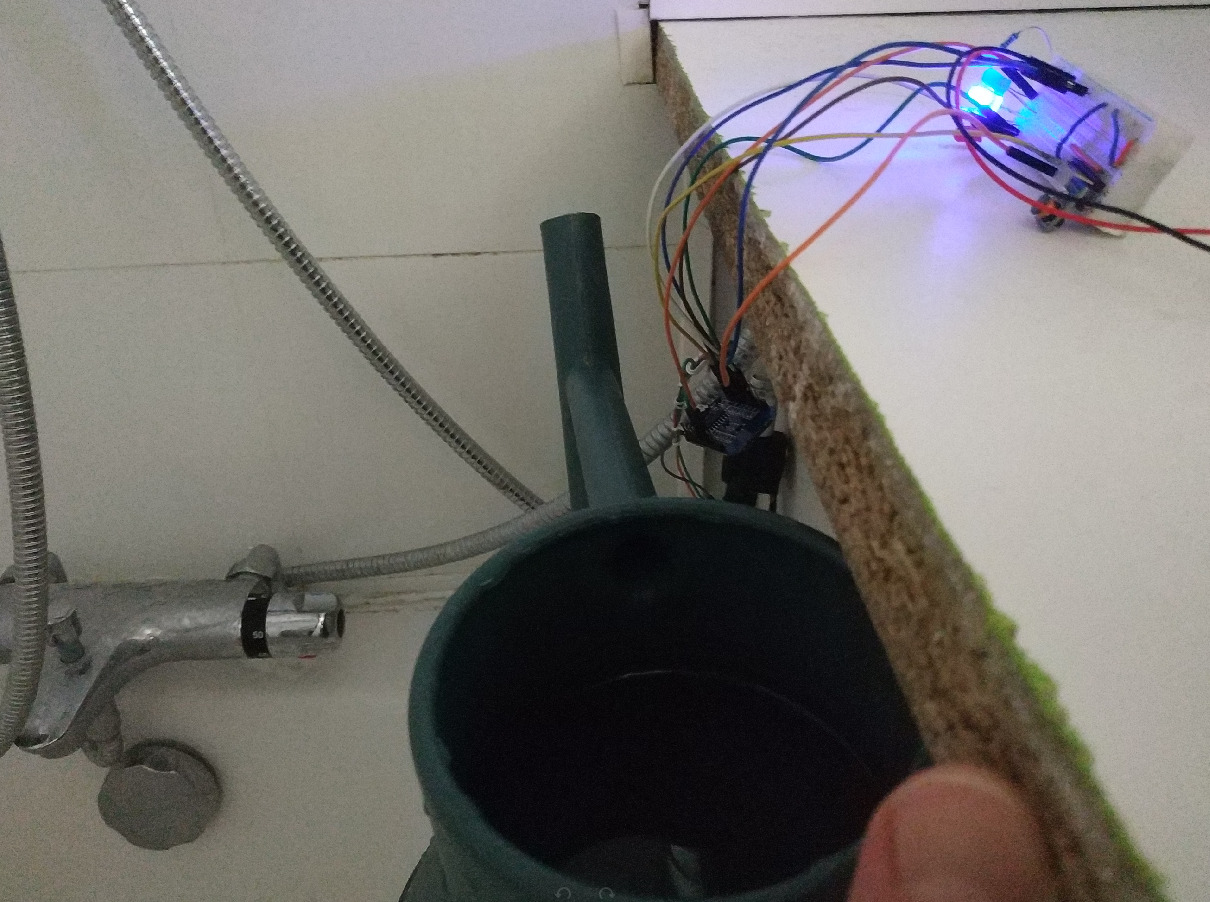
real life test
Following the code from blink the dotstar internal led.
from machine import Pin
import time

import time
from machine import Pin, SoftSPI

spi = SoftSPI(
    baudrate=4000000,
    polarity=0,
    phase=0,
    sck=Pin.board.DOTSTAR_CLK,
    mosi=Pin.board.DOTSTAR_DATA,
    miso=Pin.board.MISO,  # not used, but required
)

def dotstar_write(r, g, b, brightness=31):
    start_frame = b"\x00\x00\x00\x00"
    end_frame = b"\xff"
    brightness = 0b11100000 | (brightness & 0b00011111)
    led_frame = bytes([brightness, b, g, r])
    spi.write(start_frame + led_frame + end_frame)

count = 0
consumption = 0

THRESHOLD = 5

consumption_to_color = {
    0 * THRESHOLD: (0, 255, 0),
    1 * THRESHOLD: (0, 0, 255),
    2 * THRESHOLD: (255, 0, 255),
    3 * THRESHOLD: (255, 0, 0),
    4 * THRESHOLD: (255, 255, 0),
    5 * THRESHOLD: (255, 255, 255),
}

dotstar_write(*consumption_to_color[consumption])

def irq_handler(pin):
    global count
    global consumption
    count += 1
    if count == 450:
        consumption += 1
        count = 0


data = Pin(Pin.board.D1, Pin.IN, Pin.PULL_UP)
data.irq(trigger=Pin.IRQ_FALLING, handler=irq_handler)

while True:
    time.sleep(1)
    dotstar_write(*consumption_to_color[consumption])
mpremote soft-reset
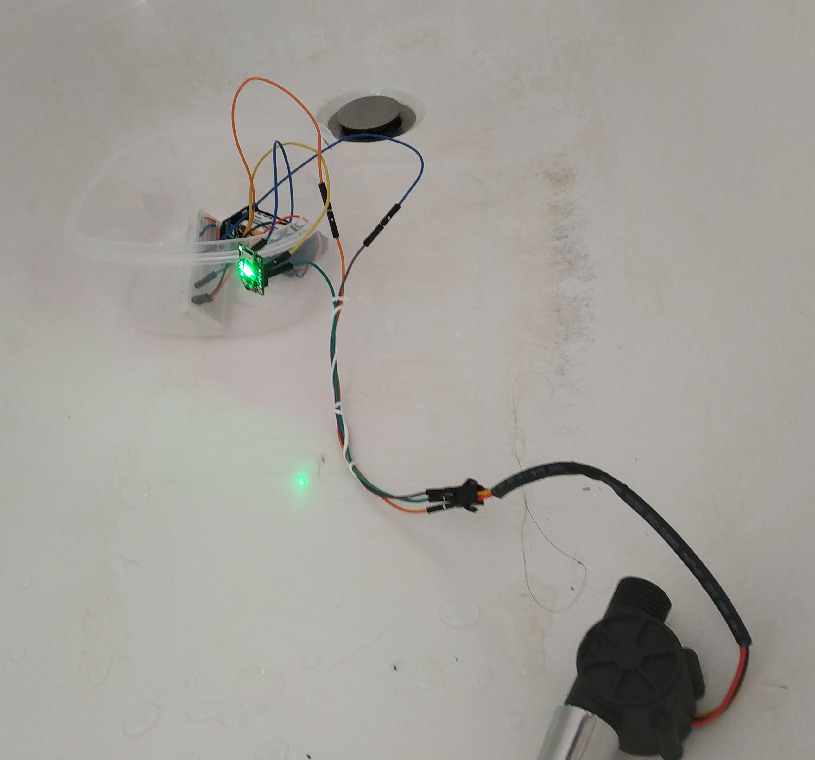
Testing with a THRESHOLD of 1.
Putting several time 1/2L in the flowmeter.
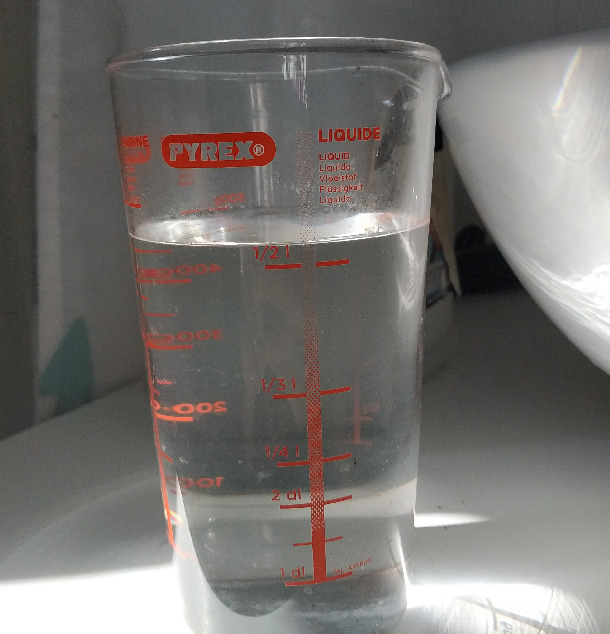
I found out that those where the times when the light changed:
- blue
- 1.2 L
- purple
- 1.1 L
- red
- 1.9 L -> that’s a lot, I may have to check this more carefully
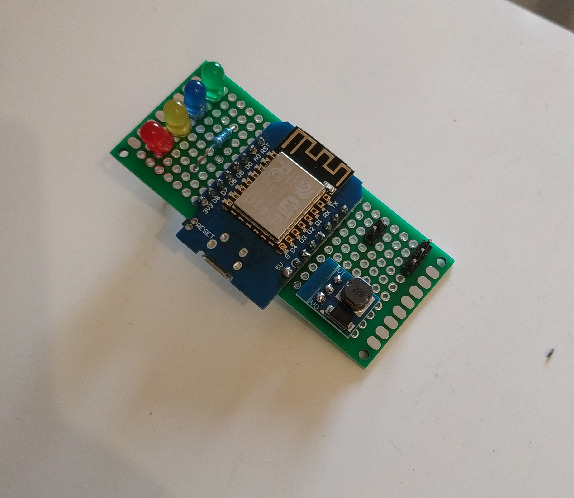
trying with leds and the wemos d1 mini
#!/usr/bin/env python3
# -*- coding:utf-8 -*-
import json
import time

import requests
from machine import Pin
from helpers import lowpower
from comm import setup_espnow, wifi, post, ntfy
iothelper = b'\xc4[\xbeb\xc2\xdb'

leds = {
    "green": Pin(0, Pin.OUT),
    "blue": Pin(4, Pin.OUT),
    "yellow": Pin(5, Pin.OUT),
    "red": Pin(16, Pin.OUT),
}

def turn_on_led(name):
    turn_off_leds()
    leds[name].value(1)

def turn_on_all():
    for led in leds.values():
        led.value(1)

def turn_off_leds():
    for led in leds.values():
        led.value(0)

def progress():
    while True:
        for led in ["green", "blue", "yellow", "red"]:
            turn_on_led(led)
            yield led

wifi.progress = progress

def post(*args, **kwargs):
    with wifi:
        return requests.post(*args, **kwargs)


debug_pin = Pin(2, Pin.IN)
debug = False

start_tick = time.ticks_ms()

count = 0
consumption = 0
liter = 450

def irq_handler(pin):
    global count
    global consumption
    count += 1
    if count >= liter:
        consumption += 1
        count = 0

data = Pin(14, Pin.IN, Pin.PULL_UP)

def start():
    data.irq(trigger=Pin.IRQ_FALLING, handler=irq_handler)

last_count = 0
done_count = -1
last_stable = None


def update_color():
    # too small, not really a shower
    if consumption < 4:
        turn_on_led("blue")
    # sweet spot
    elif consumption < 12:
        turn_on_led("green")
    # even with a full body/hair shower, it's a lot
    elif consumption < 20:
        turn_on_led("yellow")
    # now, you are clearly wasting water
    else:
        turn_on_led("red")

def update():
    global debug
    if not debug and debug_pin.value() == 0:
        wifi.on()
        ntfy("wifi was turned on", title="shower nudger")
        debug = True
    current_tick = time.ticks_ms()
    ms_since_start = current_tick - start_tick
    minute, second = divmod(ms_since_start // 1000, 60)
    print("{:02d}:{:02d} -> {}, {}".format(minute, second, consumption, count))
    global last_count
    global done_count
    global last_stable
    if last_count == count and count != done_count:
        try:
            value = consumption + count / liter
            print(f"Sending consumption {value}")
            res = None
            attempts = 30
            for attempt in range(attempts):
                res = espnow.send(iothelper, json.dumps({"path": "showerlogger", "json": {"consumption": value}}), True)
                if res:
                    break
                else:
                    print(f"{attempt}/{attempts}: Could not send data")
                    time.sleep(0.2)
            if res:
                for i in range(5):
                    turn_on_led("green")
                    time.sleep(0.1)
                    turn_off_leds()
                    time.sleep(0.1)
            else:
                try:
                    wifi.on() # keep it on so that I can debug
                    ntfy("Could not send consumption", title="shower", priority="high")
                except Exception as e:
                    # that's a pity, but that should not stop us
                    print("Error sending data: {}".format(e))

            done_count = count
            last_stable = current_tick
        except Exception as e:
            try:
                ntfy()
                ntfy(f"Could not send data {e}", title="shower", priority="urgent")
            except Exception as e:
                # that's a pity, but that should not stop us
                print("Error sending data: {}".format(e))
    if last_stable is not None and (current_tick - last_stable) > 1000 * 60 * 10: # 10 minutes without actions. Was it forgotten ?
        try:
            post(
              "http://home:9705/n",
                headers={"title": "shower", "priority": "urgent"},
                data="Please, shut me off!",
            )
            last_stable = current_tick # make it wait a bit more
        except Exception as e:
            # that's a pity, but that should not stop us
            print("Error sending data: {}".format(e))
    last_count = count
    update_color()

lowpower()
turn_on_led("yellow")

espnow = None

def main():
    global espnow
    espnow, sta, ap = setup_espnow()

    print("First update before starting measuring the flow, to have a proper base")
    update()

    start()

    while True:
        update()
        time.sleep(1)
Sat Nov 29 09:43:17 CET 2025
Checking the current installation
Reading install.json from showerlogger
Writing into main.py in showerlogger
Writing into comm.py in showerlogger
Writing into install.json in showerlogger
Writing into error.log in showerlogger
Writing into resetdeepsleep in showerlogger
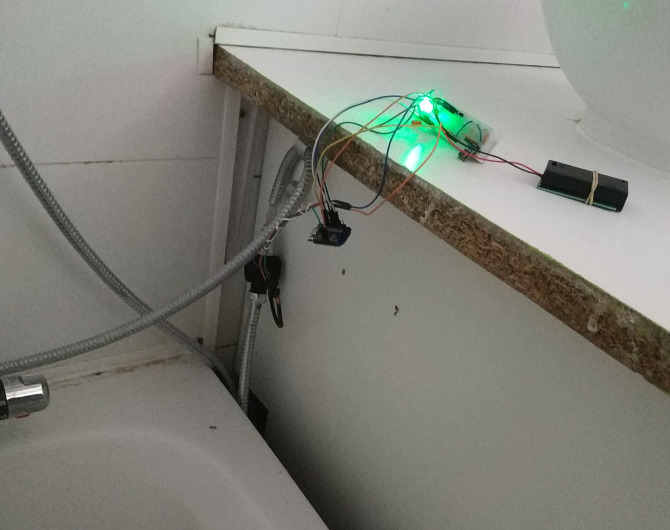
I could also test that it measured 5.5L (5L + 209 cycles) when I filled a 5L watering can almost to the top edge.
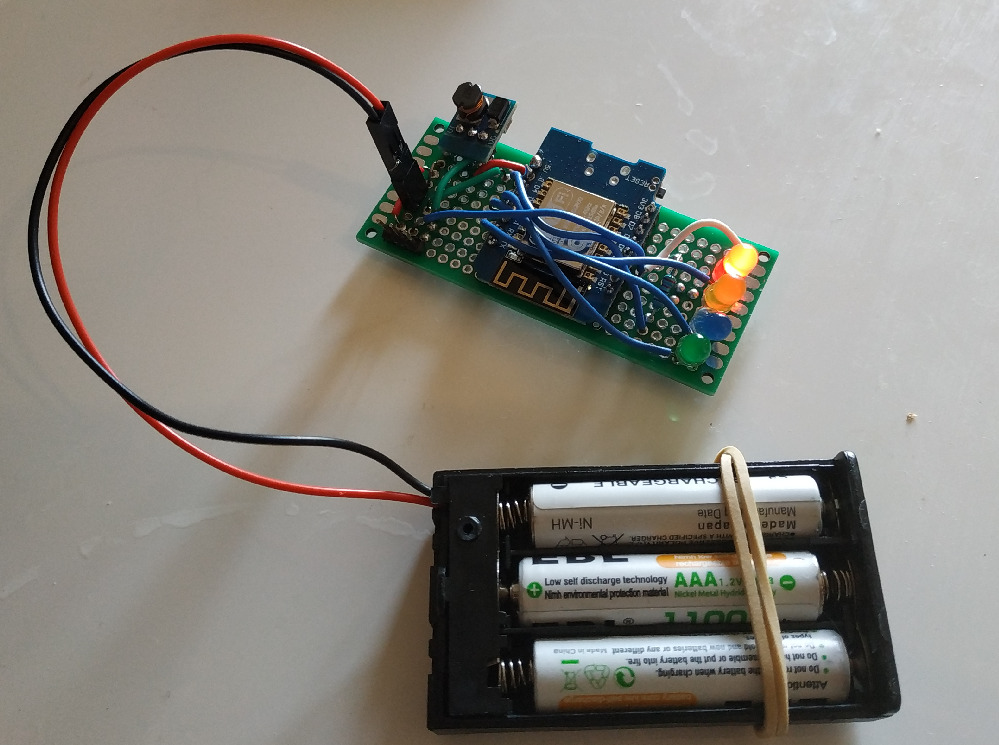
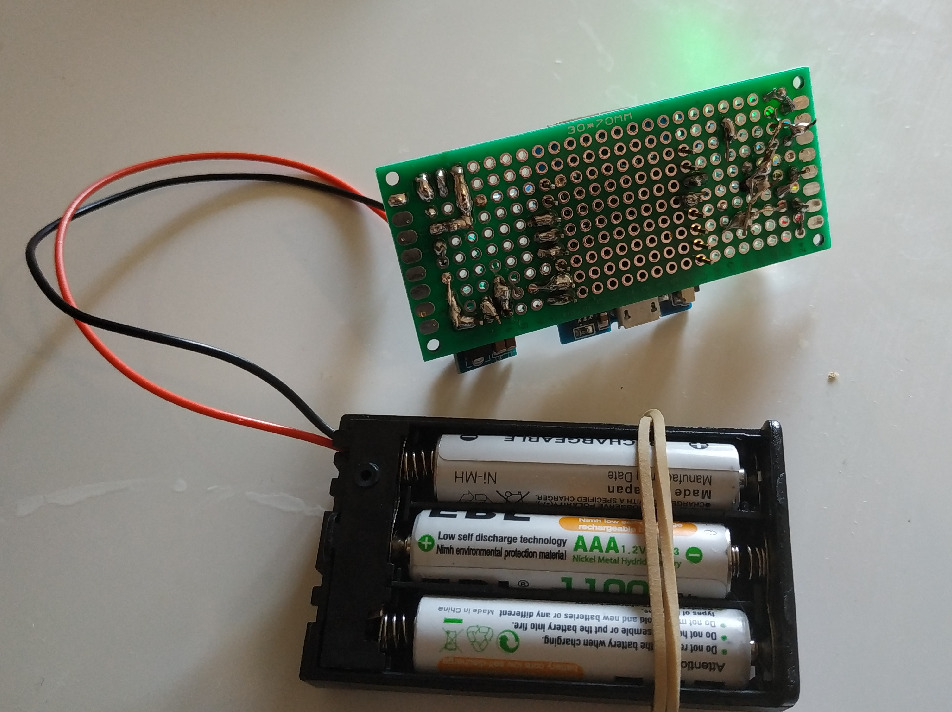
soldering the component on a perfboard
printing the support for the enclosure
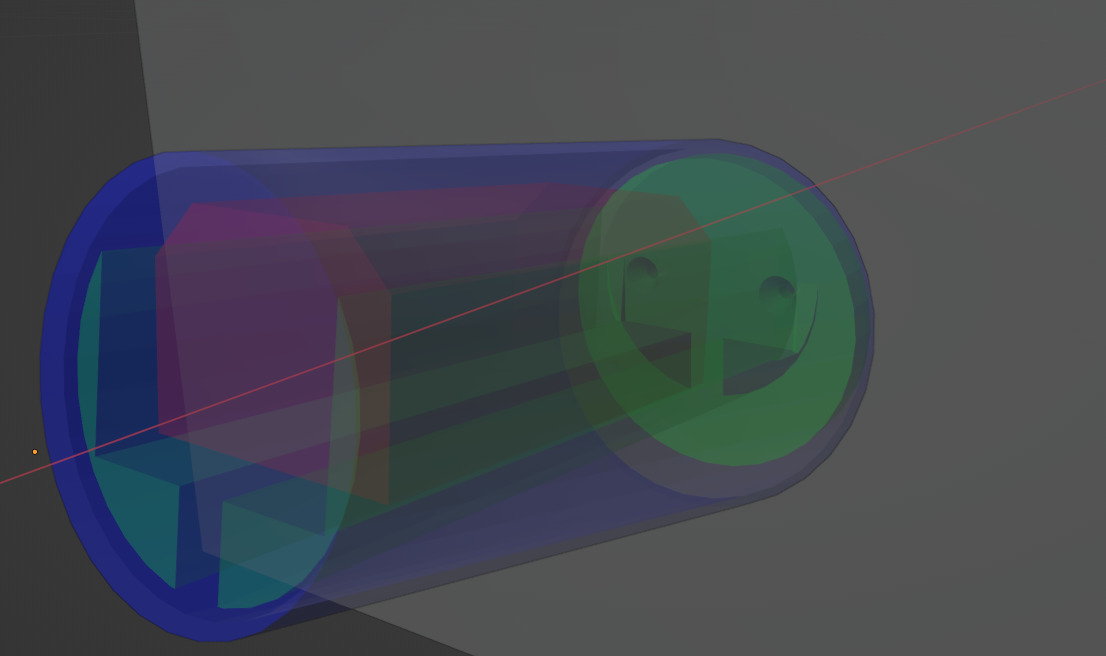
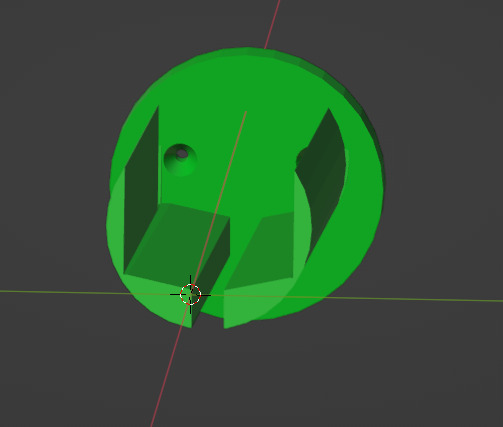
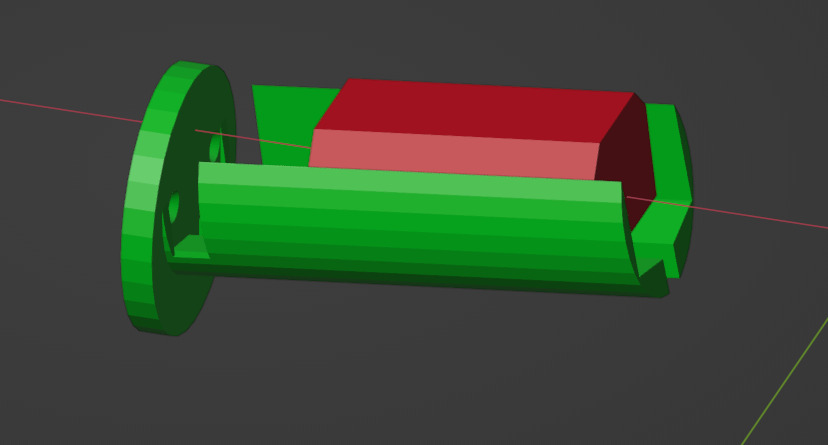
The support was very hard to remove, so I left some.
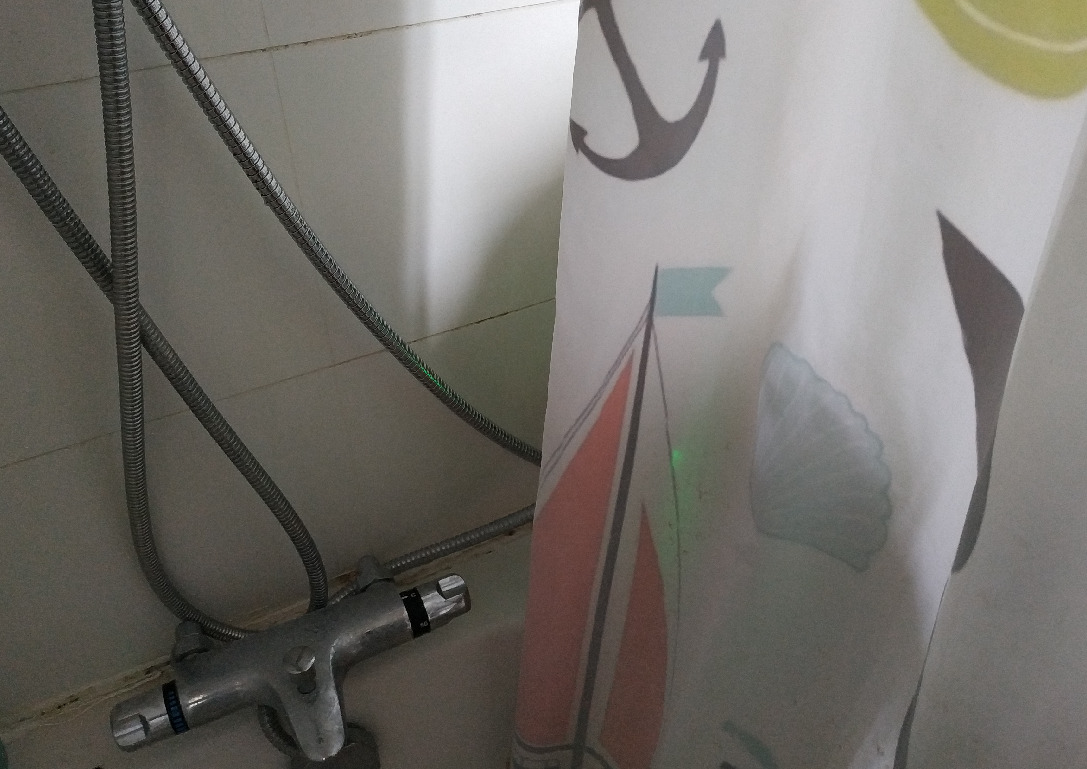
testing it for real
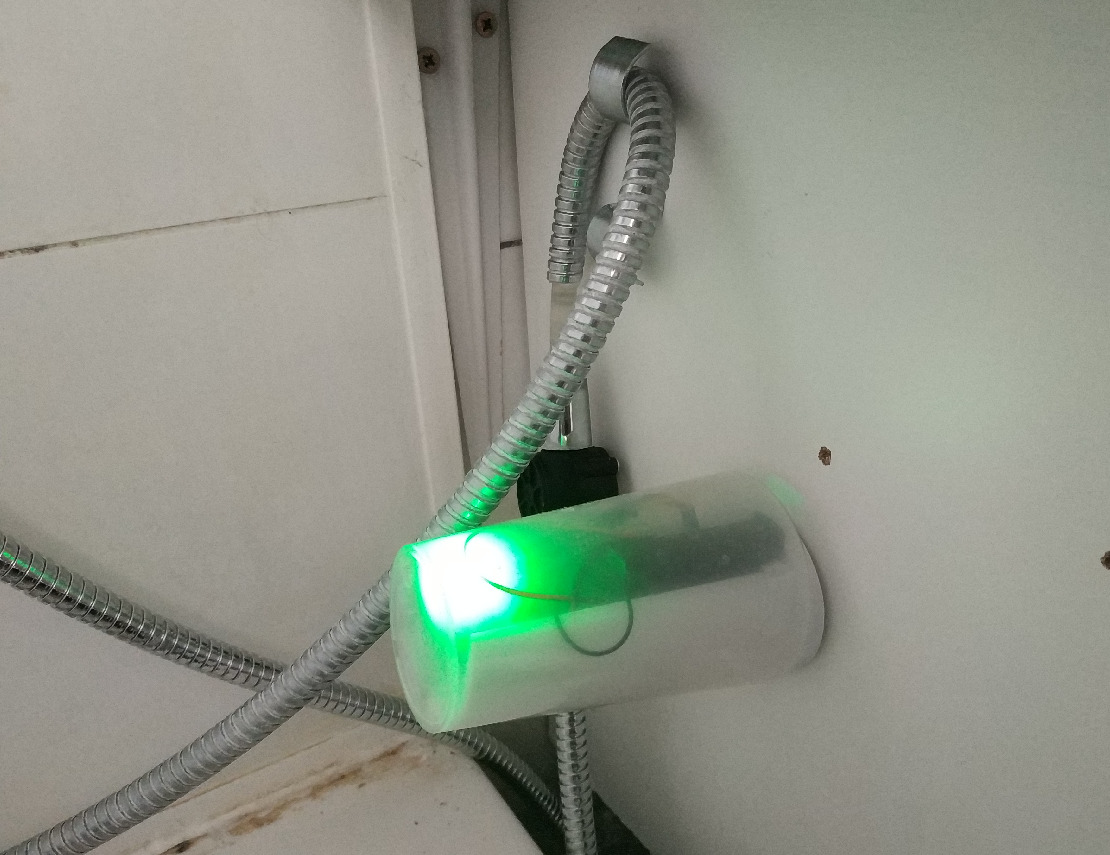
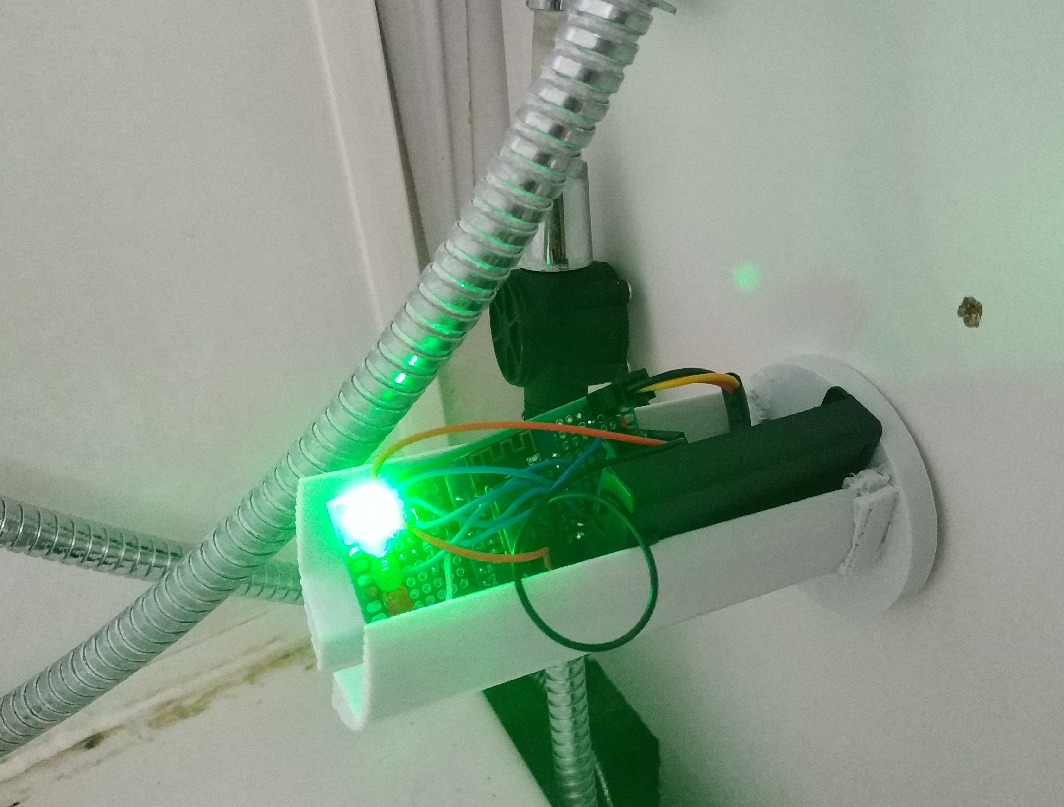
some stuffs I learned
Soldering in the perfboard is not that easy. Keeping the pieces in place while holding the tin and the iron with both hands is complicated.
Using separate LEDs needs a lot more soldering and thinking about where to put them and the resistor. I prefer using the neopixel, much faster to setup.
The board tends to slide to the back of the support. I would add a stop to make sure it remains towards the end of the cup.
Removing something from the perfboard is not as easy as it seems. I have to use the tin pump several times to have a hole clean enough to put back the new piece.
Kids won’t think about removing the cup to switch the device on. It might be a good think to also nudge them with something more fancy, like a big push button.
It would have been nicer to think about a auto power off circuit before soldering the whole thing. It will be harder to add afterwards.
Also, the d1 mini still consumes a lot when in deep sleep, using another board more energy efficient might open the door for a device always on that would wake up when water starts flowing.
adding a cap to ease turning it off and on again
Using another cup as cap.
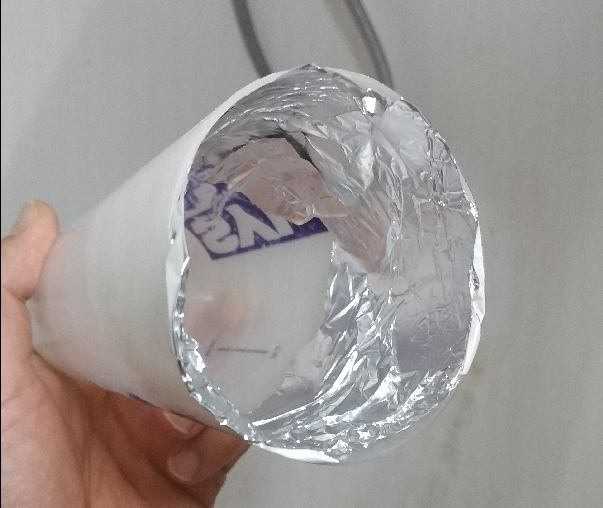
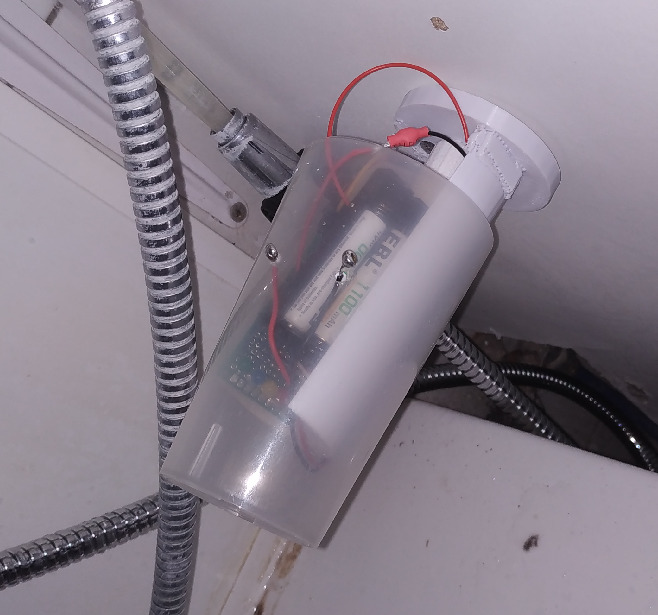
I needed to screw the smaller cup to prevent it from getting off when the cap was removed.
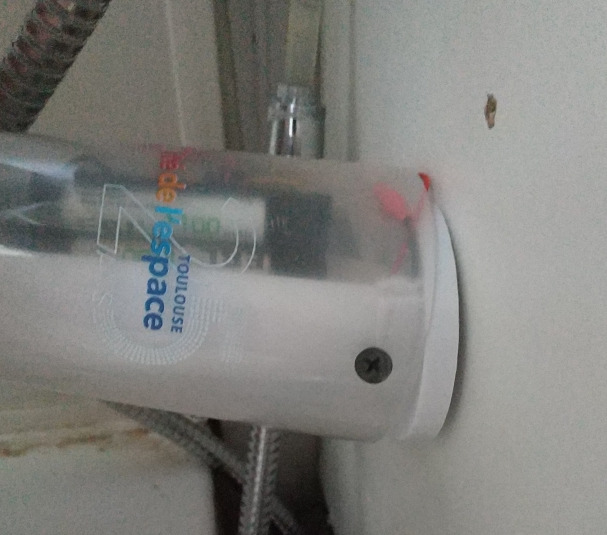
This is not ideal, for the weight alone of the cap is not enough to strongly grip on the smaller cup and sometimes, the MCU stops.
small upgrade, using another cap
reducing battery consumption
Using wifi is most likely the most power consuming part of the code, yet I tried to make it connect as little as possible.
I think that using espnow might improve a lot on that aspect. Yet, I realized that it is hard to make it work on raspberry pi.
Fortunately, I already have another ESP8266 always connected to the network in my IOT heart again, with micropython. Let’s reuse it as a proxy to the main network.
toy as magnetic switch
- first attempt

- bigger

- with a lot of cleaning and a nicer beveling